Most widget apps for Windows stop at the clock, the weather, a calendar and a CPU meter. lumabar has all of those - and a set of widgets built for the numbers people check twenty times a day: AI plan limits, revenue, visitors, followers, and where the day went.
Here are the ones you won't find in most widget apps, grouped by who they're for. Every one comes with every license.
For developers
Your AI limits side by side, GitHub without a browser tab, and the commands you type every day one click away. More in the AI usage tracker.


Claude Plan Usage
Session and weekly Claude limits, plus your most-used model.

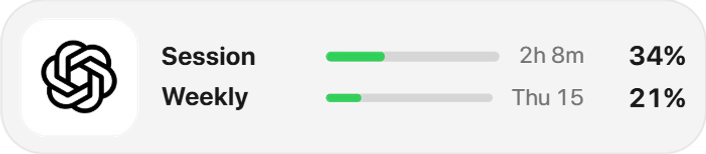
ChatGPT Usage
Your ChatGPT plan's Codex limits: the 5-hour and weekly windows.

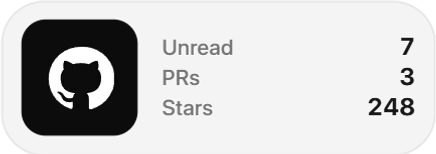
GitHub Overview
Notifications, open pull requests and stars.

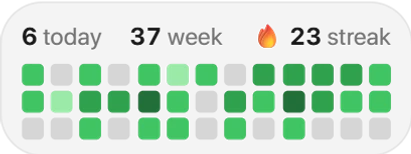
GitHub Activity
Your contribution grid and streak.

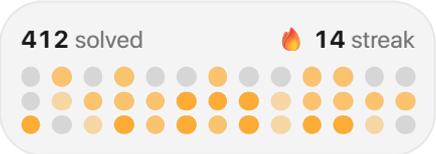
LeetCode Stats
Problems solved and your streak.

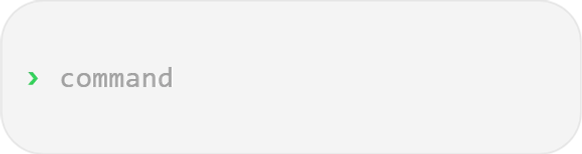
Commands
Type a word to launch an app or an action.
For people who sell online
Net revenue from Stripe, Polar or Dodo Payments with a read-only key, and your site's visitors from DataFast - the number on the bar, the detail one click away. More in the Stripe revenue widget.
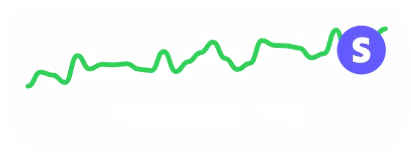
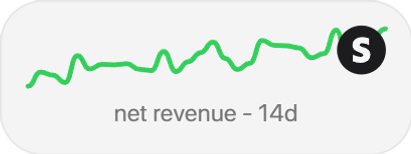
Stripe Chart
Your Stripe revenue as a line.

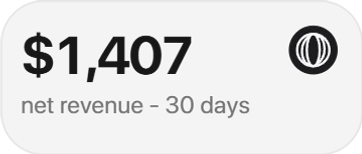
Polar
Net revenue over the last 30 days from Polar.

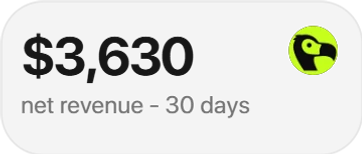
Dodo Payments
Net revenue from Dodo Payments.
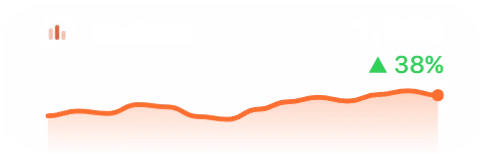
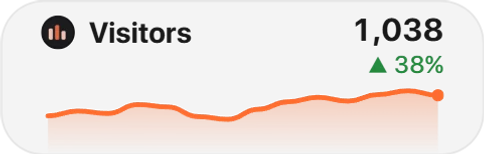
DataFast Chart
Your site's daily visitors over 14 days, with the week's total and its change.
For creators
Followers on X and TikTok and subscribers on YouTube, counted on your dock instead of in an app you keep refreshing.


X Profile
Followers on your X account.


YouTube
Subscribers on your YouTube channel, via your own API key.


TikTok
Followers on your TikTok profile.
For your own habits
Screen Time shows where the day went - by app, by hour, by week - which Windows doesn't do for your own account. Pomodoro and Stopwatch keep the work honest, and Year Progress keeps it in perspective. More in Screen Time for Windows.
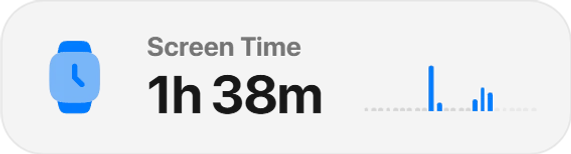
Screen Time
Today's time in front of the PC, hour by hour - and every app's, by day and by week.
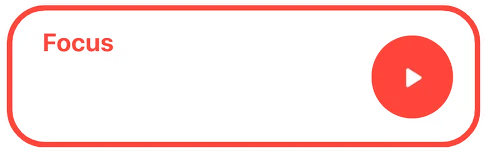
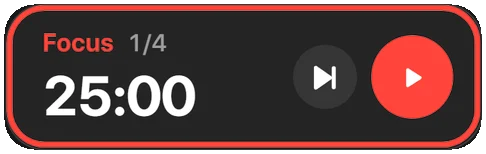
Pomodoro
Focus rounds and breaks you start and skip from the bar.
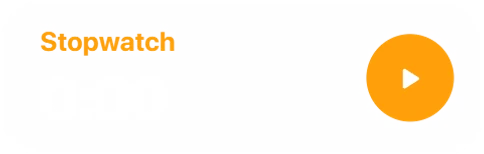
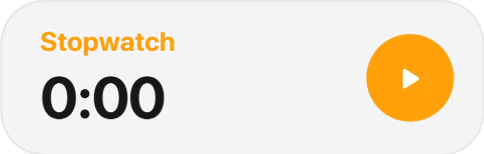
Stopwatch
Start, pause and lap from the bar; the card keeps every lap.

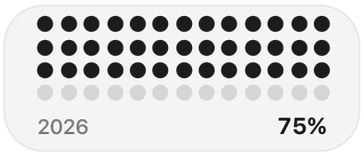
Year Progress
The year as a grid of dots, filling up.
For your PC
The CPU's temperature with every sensor Windows shares, your newest screenshots, a capture tool and the Recycle Bin - each a click from what you need.

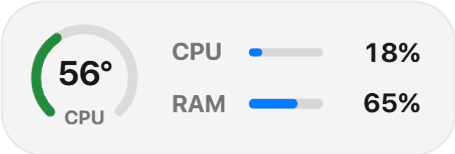
Temperature
CPU temperature as a gauge, with CPU and memory load beside it.
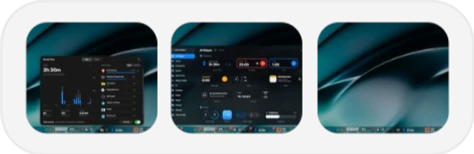
Recent Screenshots
Your newest screenshots as thumbnails.
Screenshot Capture
Capture the screen, a window or a region.

Recycle Bin
What the bin holds, and a click to empty it.
Small pleasures
And a few that are simply nice to look at.
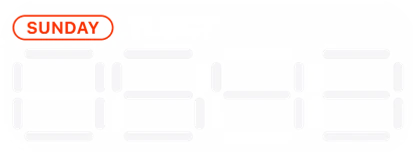
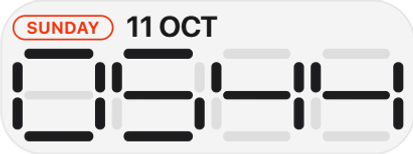
Segment Clock
The time as a seven-segment display, under the weekday and date.
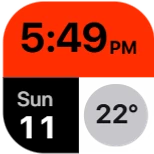
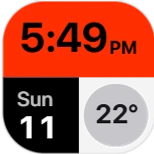
Clock & Weather
Time, date and temperature as three colour blocks in one square tile.
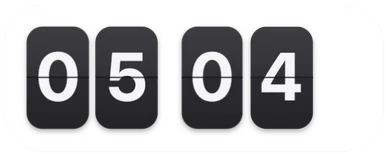
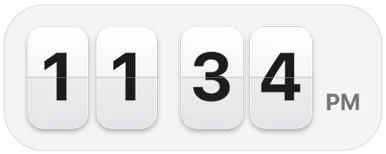
Flip Clock
Split-flap digits that turn over every minute.

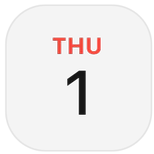
Day Number
Today's date as a calendar page.
That's a slice of it - see all 85.