
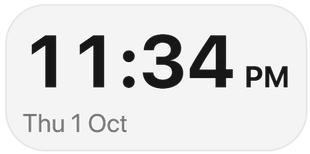
Clock
Large, readable time and date, in 12- or 24-hour format.
Widgets
Every tile in lumabar's widget picker, grouped the way the app groups them. Add any of them from the dock: right-click → Widgets…, then drag it into place. Every widget comes with every license.
Time in every form: digital, flip, analog, other cities and the date.
Large, readable time and date, in 12- or 24-hour format.
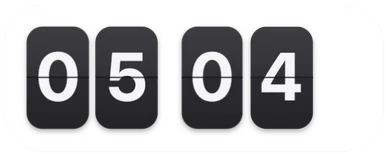
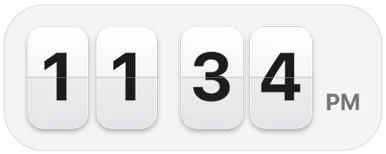
Split-flap digits that turn over every minute.
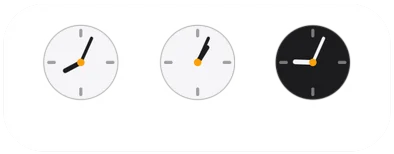
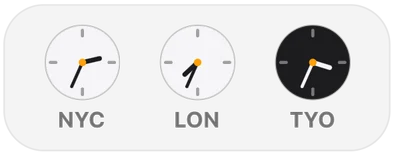
Three small analog faces for the cities you work with.
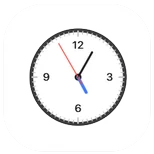
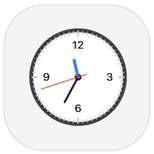
A white analog face with a sweeping second hand.
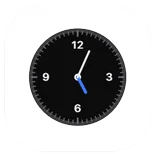

The same classic face, in black.
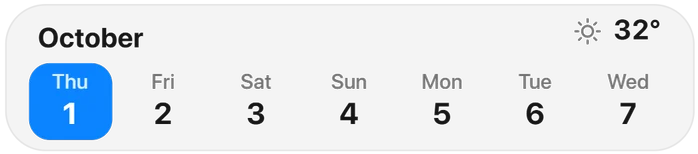
This week as a strip of days, with today's temperature.
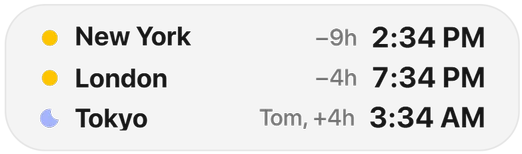
Three cities in a list, each with its hour difference from yours.
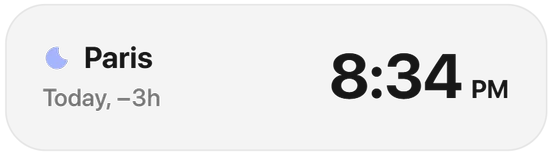
One more city in big digits, with its offset.
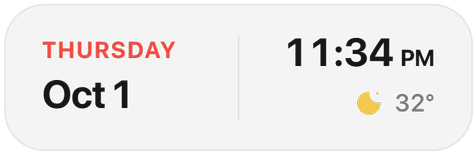
Weekday, date, time and weather in a single tile.
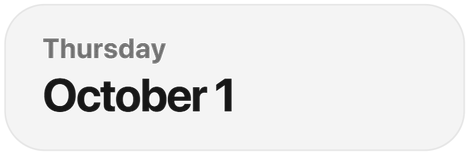
The full date, set large.


Today's date as a calendar page.
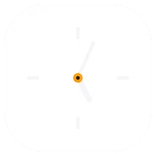

Hands and hour ticks on a dark face, nothing else.
Focus timers, tasks, notes and your next event.
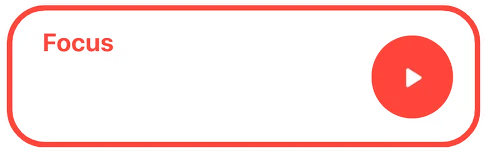
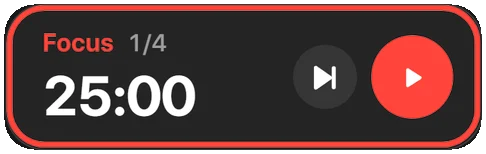
Focus rounds and breaks you start and skip from the bar.
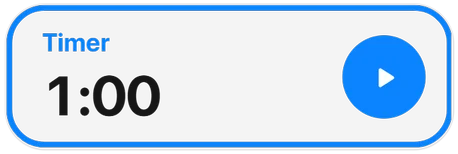
A countdown that starts in one click.
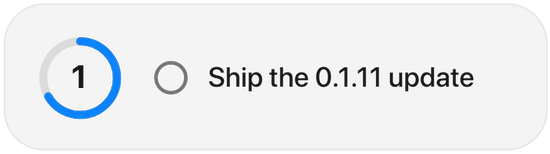
Your next open task with a progress ring; tick it off from the dock.
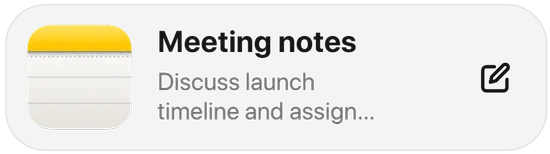
Your latest note, one click from editing.
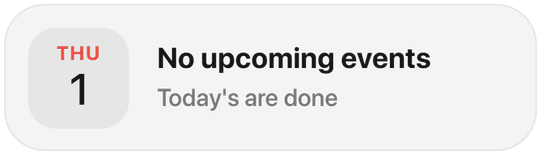
Your next event, or a nudge to plan the day.
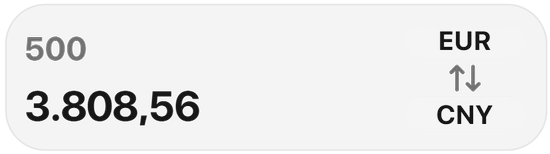
Convert between currencies at current rates.
What your PC is doing right now, and the switches you reach for most.
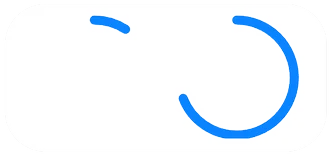
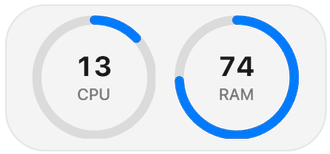
CPU and RAM as two live rings.
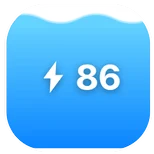
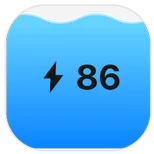
Charge level as a filling gauge, with the charging state.
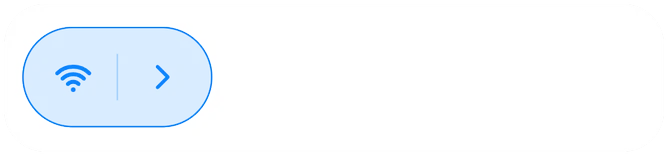

Wi-Fi, Bluetooth, mobile hotspot and airplane mode.

A slider for the display's brightness.

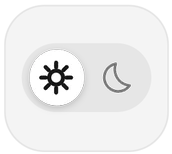
Switch Windows between light and dark mode.
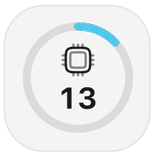
Processor load as a ring.
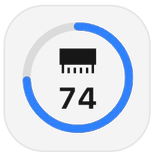
Memory in use as a ring.
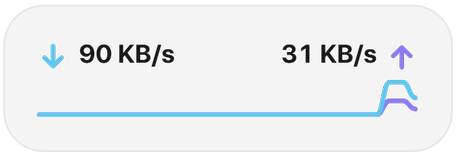
Download and upload speed with a live chart.
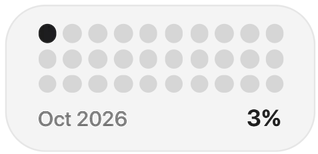
How much of the month is behind you.
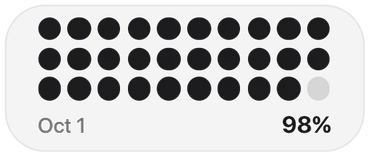
How much of today is behind you.
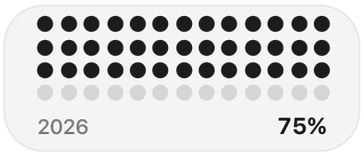
The year as a grid of dots, filling up.
Launch, search and open - the job the taskbar used to do, and more.

Start, your pinned apps and every open window.
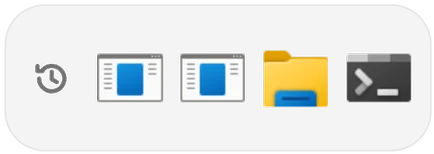
The apps and files you used last.

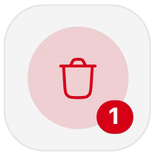
What the bin holds, and a click to empty it.

Search the web, or type a folder path to open it.
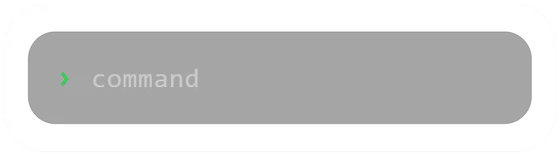

Type a word to launch an app or an action.
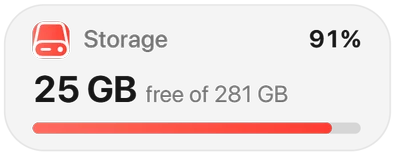
Free space on your drive, with a usage bar.
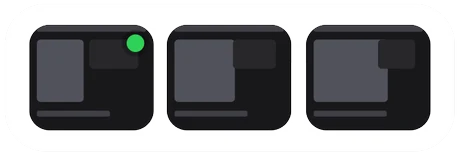

Your newest screenshots as thumbnails.
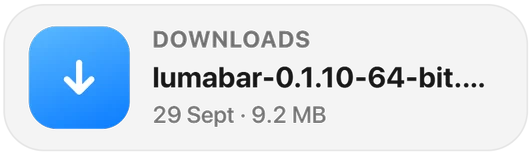
The latest file in Downloads, one click to open.
Capture the screen, a window or a region.
Whatever is playing, in any app that reports to Windows.


Cover art, title and full controls for the current track.
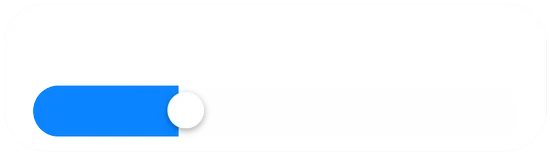
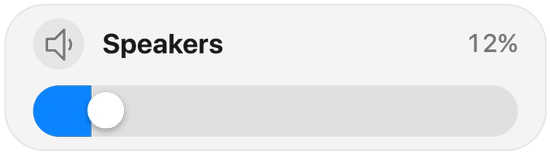
Volume for your current speakers or headphones.
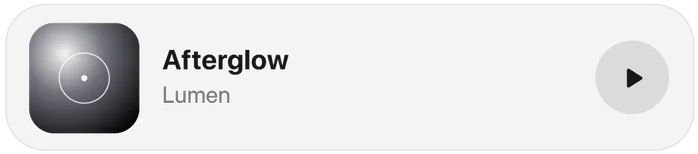
Title, artist and play/pause in a smaller card.


One round play button with the track's progress.
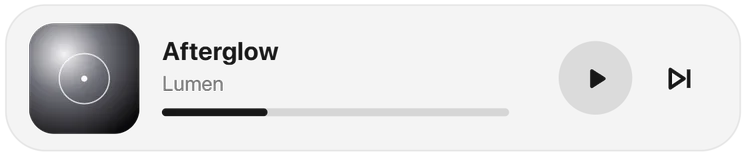
The track with a progress bar and skip.
How much of your AI plan is left, read from the tools you already use.
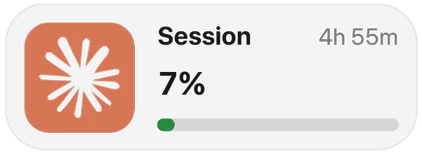
Your Claude session limit and when it resets.


Session and weekly Claude limits, plus your most-used model.

Your ChatGPT plan's Codex limits: the 5-hour and weekly windows.
Gemini CLI quota for Pro and Flash.

SuperGrok credit use from your Grok CLI sign-in.


Your DeepSeek balance, with today's and this week's spend.
Z.ai / Zhipu GLM Coding Plan limits.
OpenCode usage for the current session, from its local history.
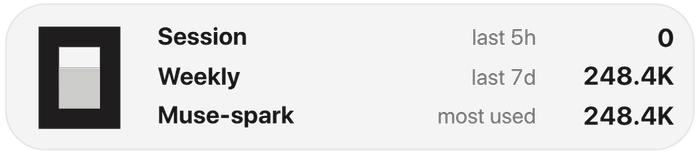
OpenCode tokens this session and this week, and your top model.


Cursor spend and tokens.
Your site's traffic, from your own key.
Visitors over the last days, from your DataFast account.
The same visitors, as a line.
Quotes and charts for the tickers you follow.
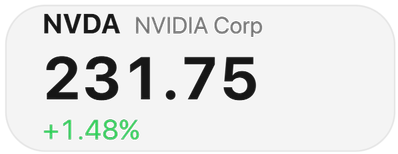
One ticker's price and daily change.
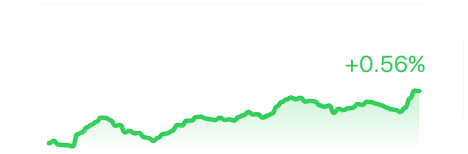
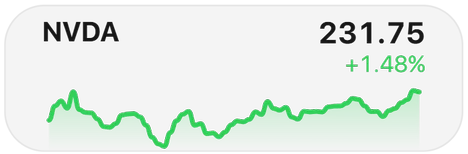
One ticker with its intraday line.
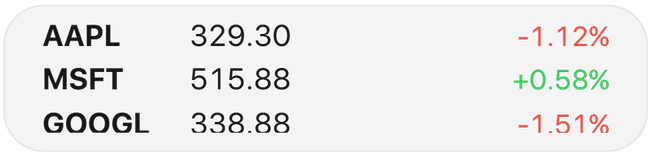
Three tickers at a glance.
Net revenue from your payment provider, with a read-only key.


Net revenue over the last 30 days from Polar.


Your Polar revenue as a 14-day line.
Net revenue over the last 30 days from Stripe.
Your Stripe revenue as a line.
Net revenue from Dodo Payments.
Your Dodo Payments revenue as a line.
Conditions and forecasts for the city you pick.
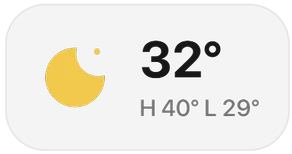
Temperature now, with today's high and low.
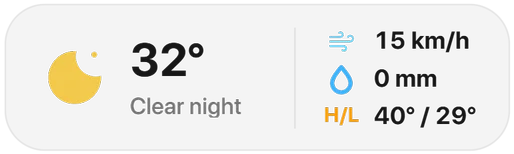
Wind, rain and the day's range.
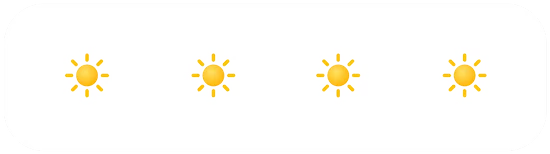
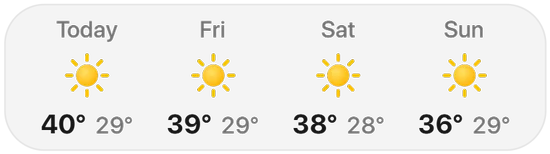
The next four days.
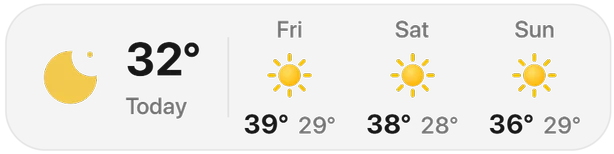
Today next to the next three days.
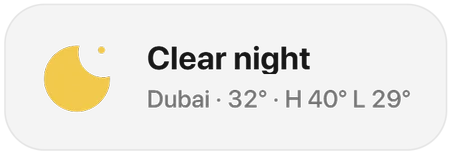
The conditions in words, with your city.
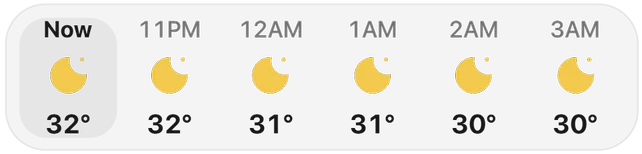
The next six hours.
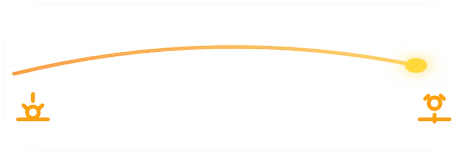
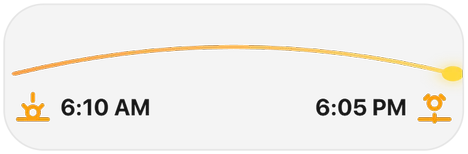
Where the sun is between sunrise and sunset.
Mail, code and the web, without opening a tab.
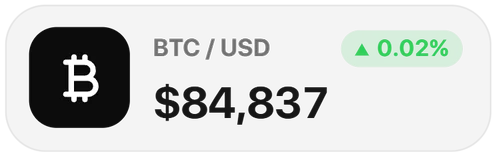
A live number, such as BTC/USD.


Browse and set new wallpapers.

Unread mail in your inbox.
Your contribution grid and streak.
Unread GitHub notifications.

Notifications, open pull requests and stars.


Problems solved and your streak.
Preview tiles show sample numbers until their account connection ships. Account numbers in these captures are blurred.
One-time payment · 14-day money-back guarantee
Social
Follower counts for the accounts you run.
X Profile
Followers on your X account.
TikTok
Followers on your TikTok profile.
YouTube
Subscribers on your YouTube channel, via your own API key.